
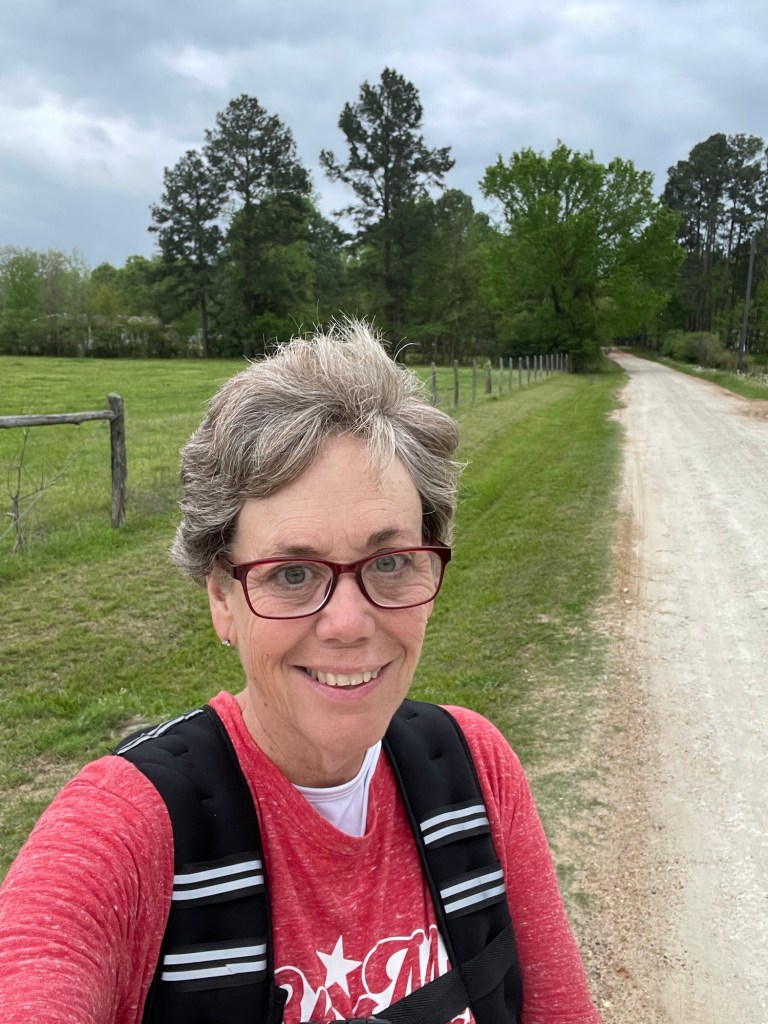
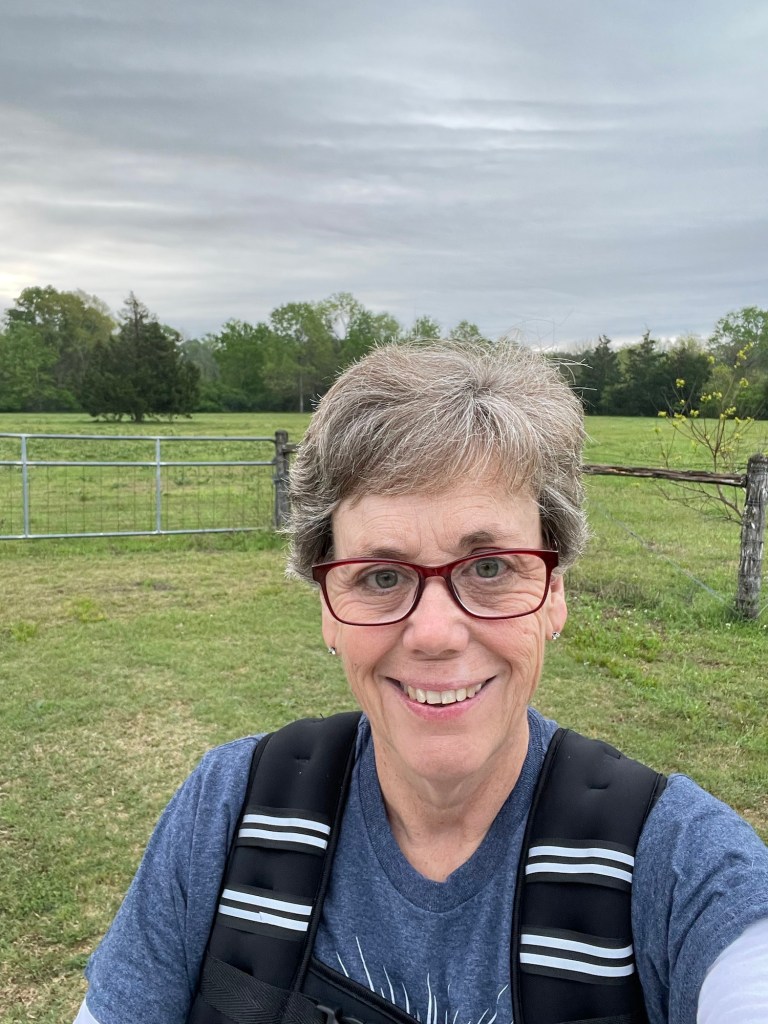
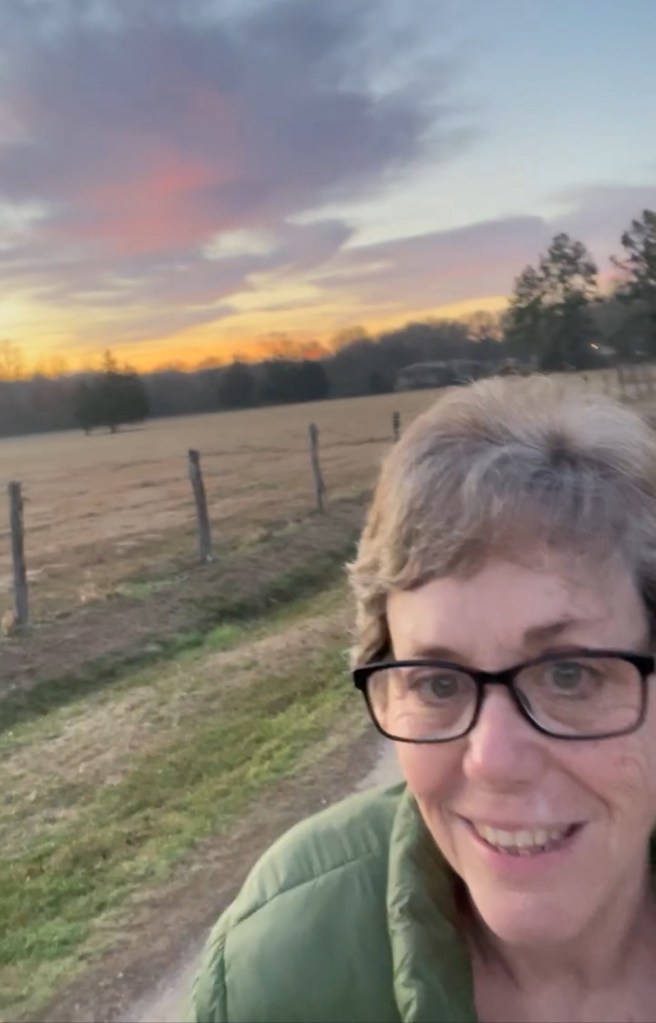
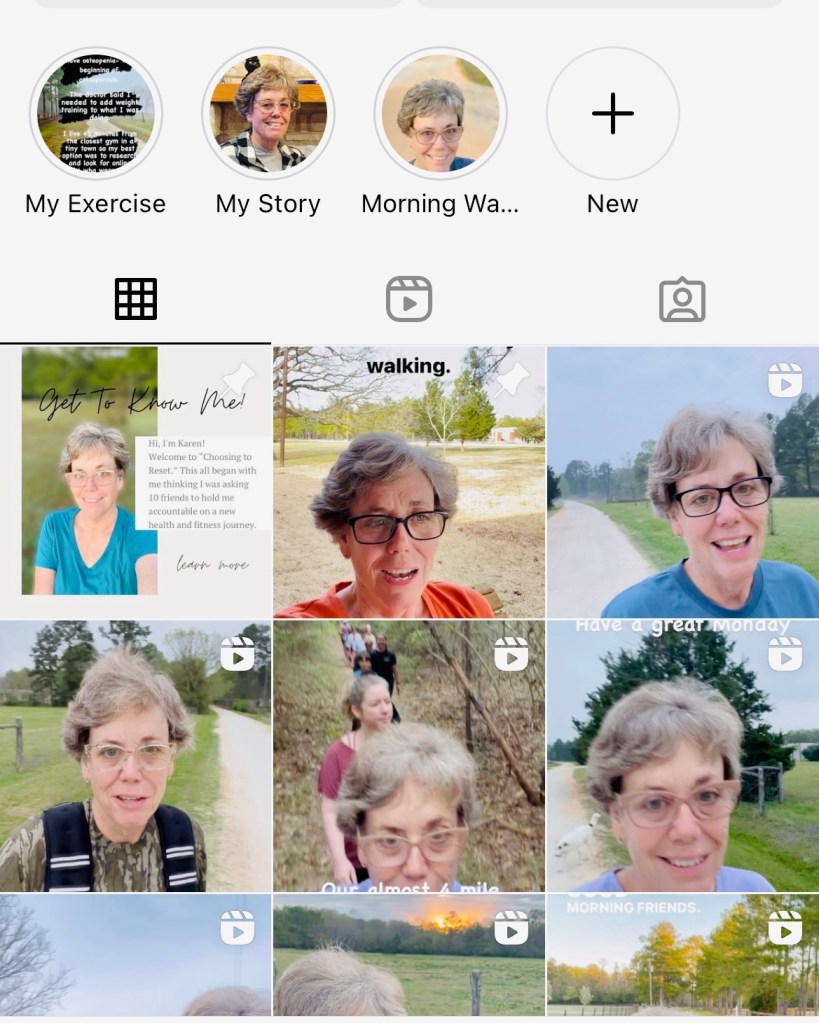
Every single day I am asked how I video myself walking and what I use to edit videos.
First of all, there are people who are amazing getting content ready, at photography, and and editing like @jenayroseofficial or @iammichellegifford
I am not that person. I tell people all the time that I do “down and dirty” videoing and editing. I never spend more than 15 minutes editing a video and usually less time than that. Remember how I started before you judge me!
I never set out to have fancy videos with cool effects, artistic photography, and rehearsed performances on Instagram. My reason was simple accountability and to tell my friends good morning and I’ve listened to my followers and not changed what I do.
I said all that to say that if you are here to learn how to do something fancy or artistic, stop right here. This’ll only frustrate you.
Every morning when I walk I have the following equipment:
- My IPhone
- A Selfie Stick (the one I use is on my Amazon store)
- My Apple Watch
That’s it. Nothing else.
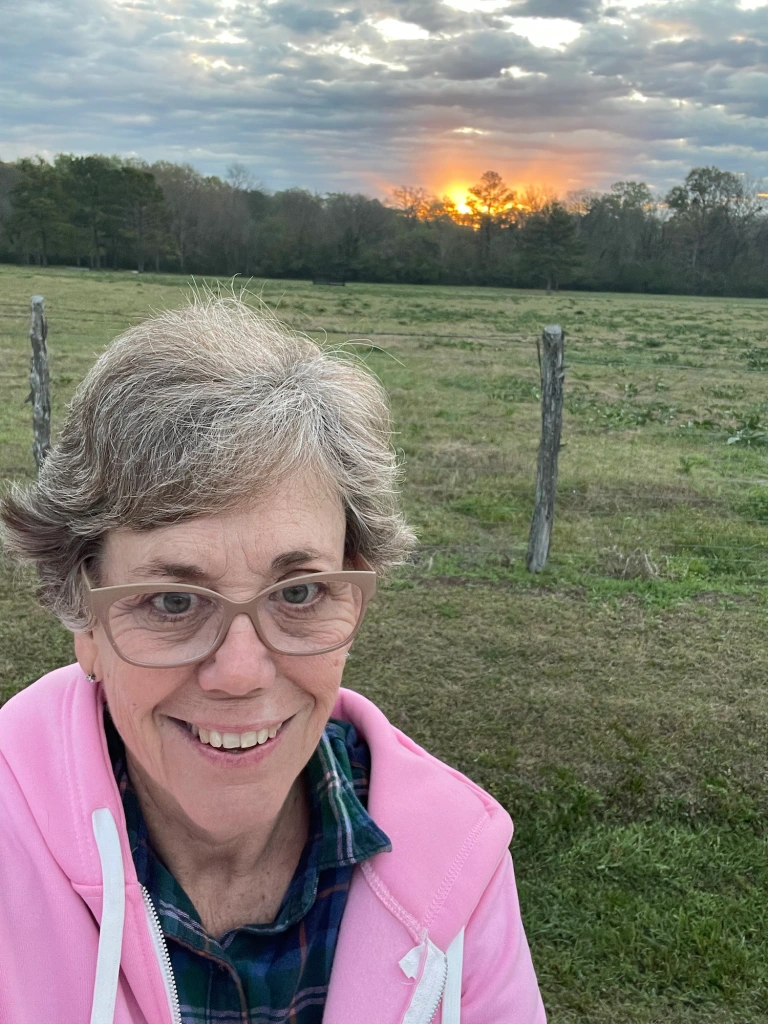
I am 5’9” and have long arms which helps the selfie stick. I video with my right hand and position the slightly above the top of my head which helps with the old lady neck.

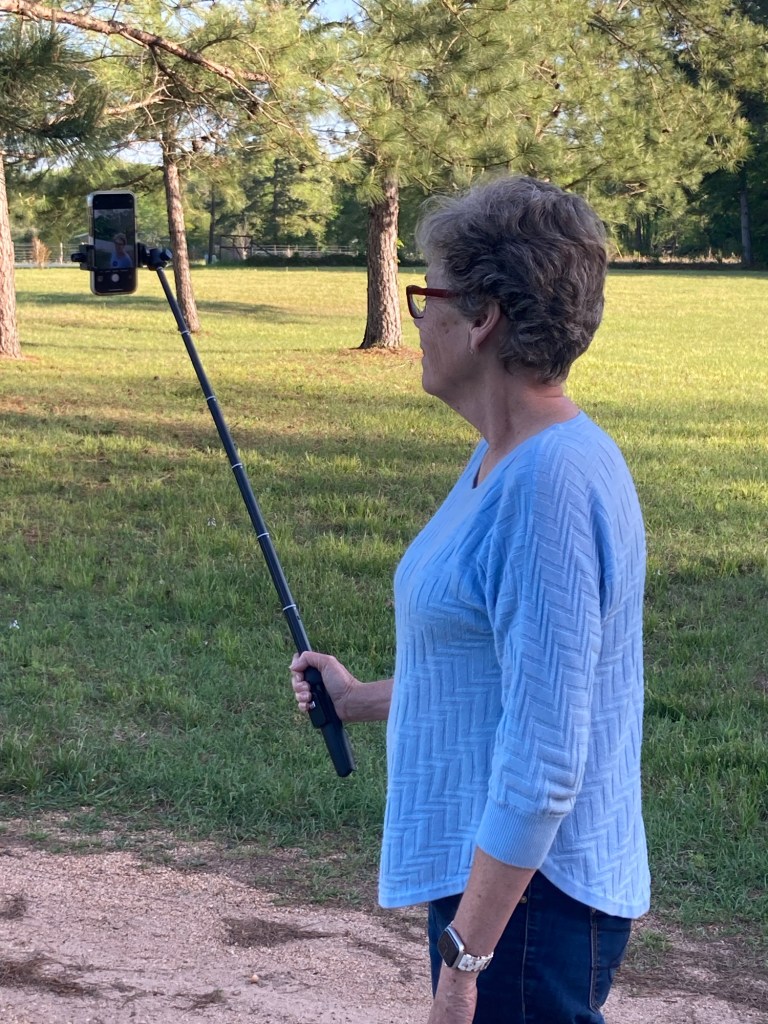
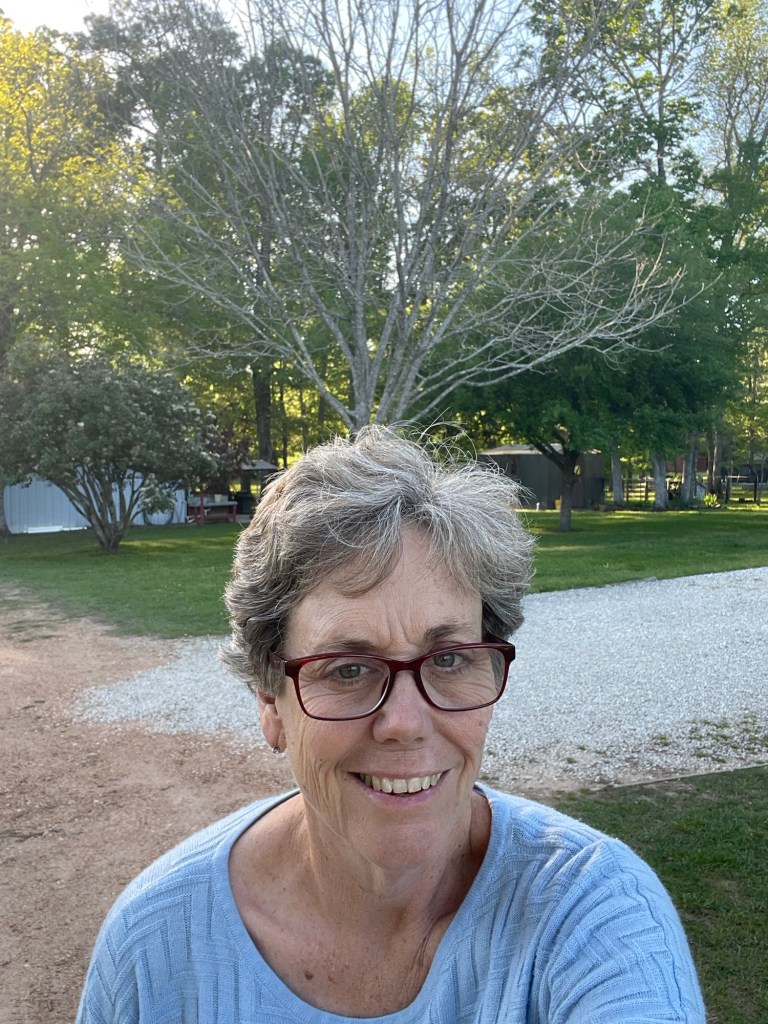
My Apple Watch comes in handy when I’m videoing because I can set a timer through Siri for 1.26 seconds and it buzzes to let me know to wrap it up. An Instagram post can only be 1:30 minutes. If you’ve watched my videos you know when I forget to set the alarm because it’s a mess at the end. My watch also tracks my heart rate, steps, and distance.
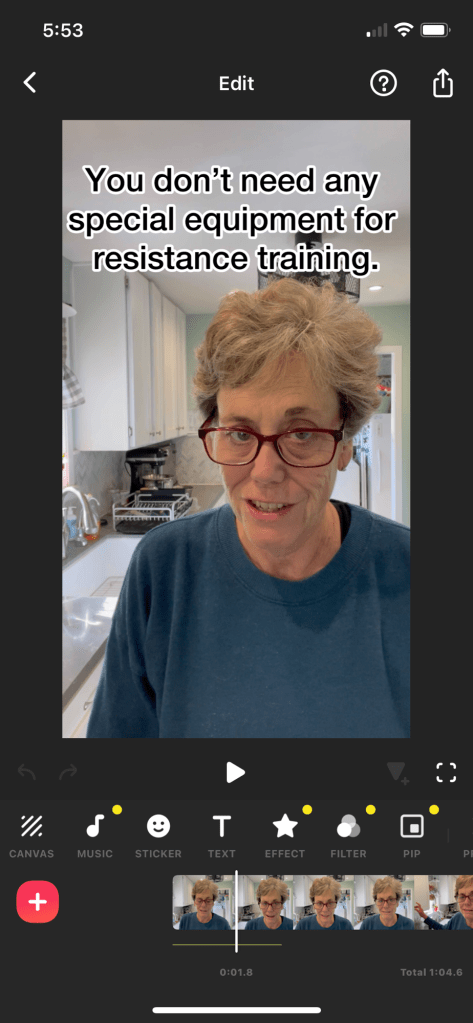
I use an app called InShot to edit videos. The features I use most are adding a picture on top of the video, mixing photos with video, adding text to a specific spot on the video, and chopping the video up when I go too long.


I use LightRoom on photos that are too dark. It also makes florescent lighting less jarring. I purchased some presets that lighten up a photo if it’s taken inside.
I don’t fancy up my photos or videos because I want you all to see things as they really are, but there are two apps that I have played with.
Peachy can edit a person- whiter teeth, smoother skin, thinner face…

Retouch will blur a background, hide outlets in the background, or fix things like electrical cords.

Here is what I have learned from my whole four whole months (definitely not a n expert) of fast growth on Instagram if you are looking to develop a following:
Worry less about your presentation and more about letting people see your heart. Be honest, find joy in small moments, don’t take Instagram or yourself too seriously, and have fun.
If you own a business, let people see what’s going on behind the scenes, share your celebrations and your faux pas. Make it joyful and memorable. Don’t whine or let others use your site as a platform for negativity.
I am vigilant about deleting comments that are negative, offensive, or seem like a scam. I don’t want drama even though I had people tell me it would increase followers. It’s not who I am or want to be.


I hope this helped you understand a little better how I get the videos posted on Instagram.
I love hearing from you,
Karen



 Choosing to Reset
Leave a comment